
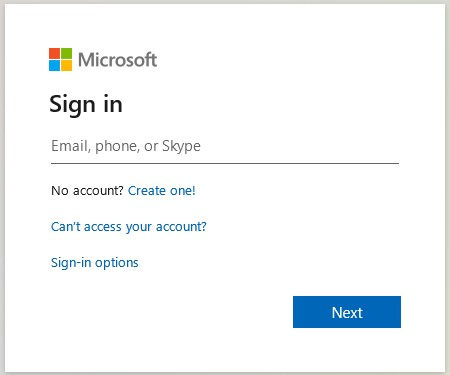
1. Go to https://myaccount.microsoft.com/ and sign in using your institutional email address (@ubbcluj.ro / @stud.ubbcluj.ro).
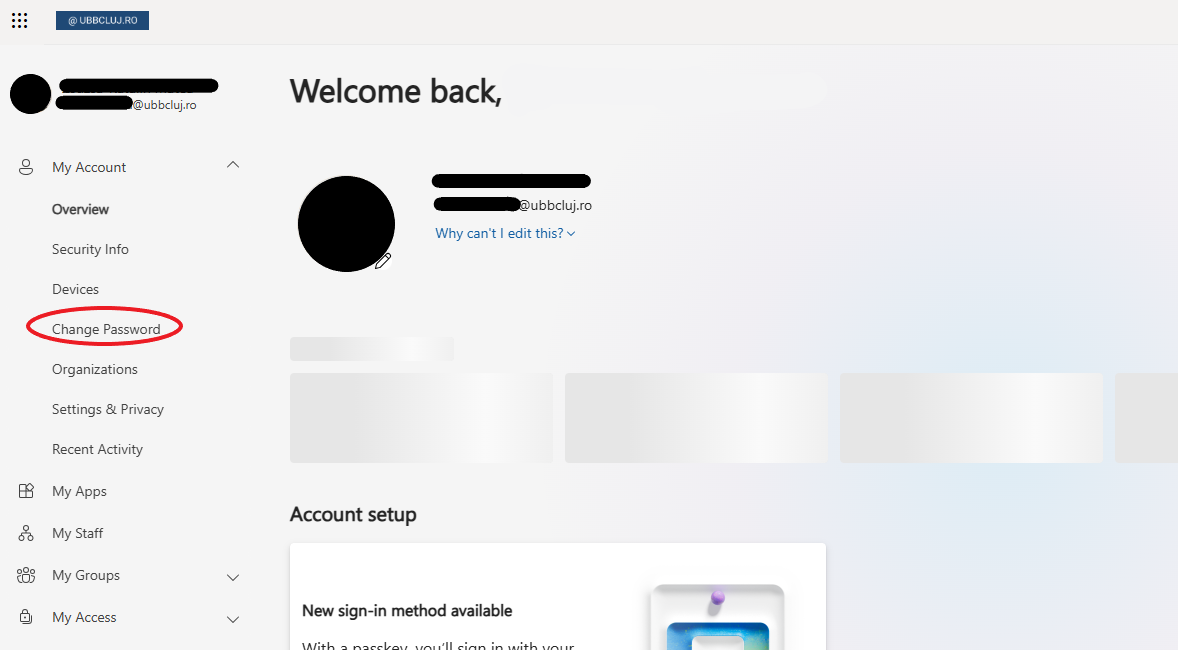
2. From the menu on the left, under My Account, click Change Password.
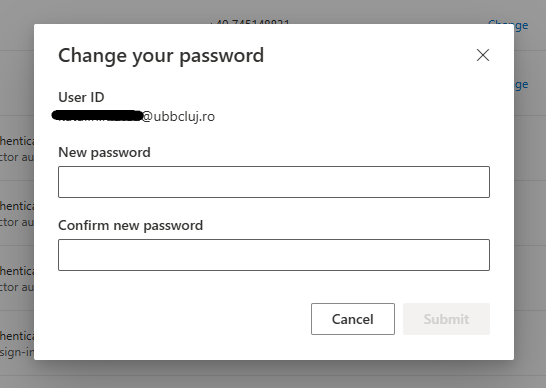
3. Enter the new password in the first field, then confirm it in the second field. After entering the password, click Submit.
IMPORTANT! The new password must contain at least 8 characters: uppercase letters, lowercase letters, numbers, and at least one symbol.
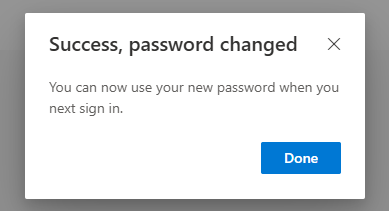
4. After clicking the Submit button, you will receive a confirmation message.